What this is
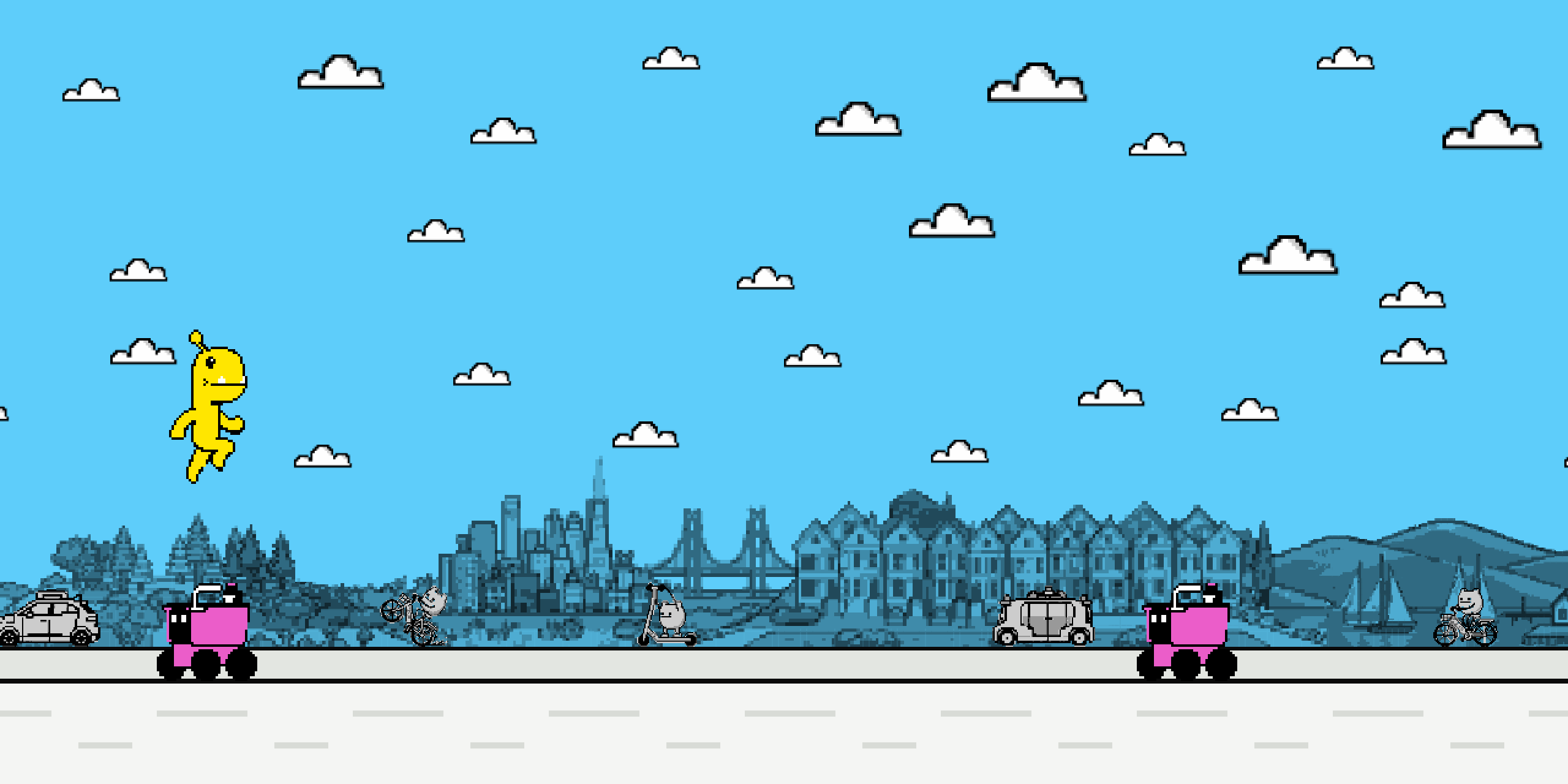
Jump 'n Run is a mini-game starring NewDealDesign's monsters, made for people to play at SF Design Week 2026.
Light and fun on the surface. Underneath the game is ongoing research into what it means to treat interactions, or gestures, as design materials, and how to prototype with them.
It also inverts what a phone usually does in a shared room. Instead of pulling you out of the room and the people in it, the device becomes the way into a game and a conversation happening in front of everyone. Instead of the usual look down at a screen, you are shaking your arm at a wall and glancing back and forth between your opponent, the people watching, and the artwork the game is running across.
And it is our take on the Chrome Dino: the endless runner that appears when Chrome cannot reach the internet, known as Project Bolan.
Where it came from
This game started as a tool.
When you design a physical product, you mock things up in the material. You hold a plastic, you look at a finish, and you feel the flow of a mechanism.
We wanted to approach interaction the same way we treat our physical material samples when we are prototyping.
Making a shelf of interaction materials
Before building this game we built an interaction design toolkit: a kit of different interaction materials. The point was to be able to look at samples, lay them out, make swaps quickly, and feel the differences instead of theorising about them.
We started with a simple question: what can you actually do to an object? You can move it. Touch it. Place it somewhere in space. Make a face at it. Make a sound near it. We wrote the answers down as a gesture vocabulary, and the gestures in this game are picked off that shelf.
The next step is understanding what hardware is required to enable each one. A touchscreen gives you taps, swipes, and two fingers at once. A keyboard gives you keys and nothing else. An accelerometer and a gyroscope enable an input such as a shake or a flip. That is what makes a phone such a powerful prototyping instrument: it is full of sensors and it is in everyone's pocket.
We will share more on the gesture vocabulary and the mapping tool another time. For now, these are the ten we used for this game. On a keyboard the same shelf comes out as keys: the space bar and the four arrows, which is seven of the ten and no way at all to put two fingers down at once.
But an input is not an interaction
A complete interaction means there is a consequence: a reaction to an action, an output. So when you shake an object, something happens. The fun part is that we get to decide what that something is. You decide the output for an input.
Shaking your phone could produce a fizzy sound. It could turn the flashlight on. It could make a monster jump. That last one is the one we chose, and it never changes, which is what lets everything else be the variable.
- a fizzy sound
- the flashlight
-



 a monster jumps
Fix the output. Vary the input. Feel the difference.
We were inspired by the simplicity and the clarity of the Chrome Dino: press a button, the creature jumps, and there is no ambiguity about whether it worked. So we rebuilt it with our own monsters, wired our phones to it, and made the input the thing that moves.
Four versions. Play all of them.
Each version adds a device, and each device adds gestures. Seven on a keyboard, eight on a touchscreen, ten once a phone is doing the work.
Version 1 of 4Played
One device:
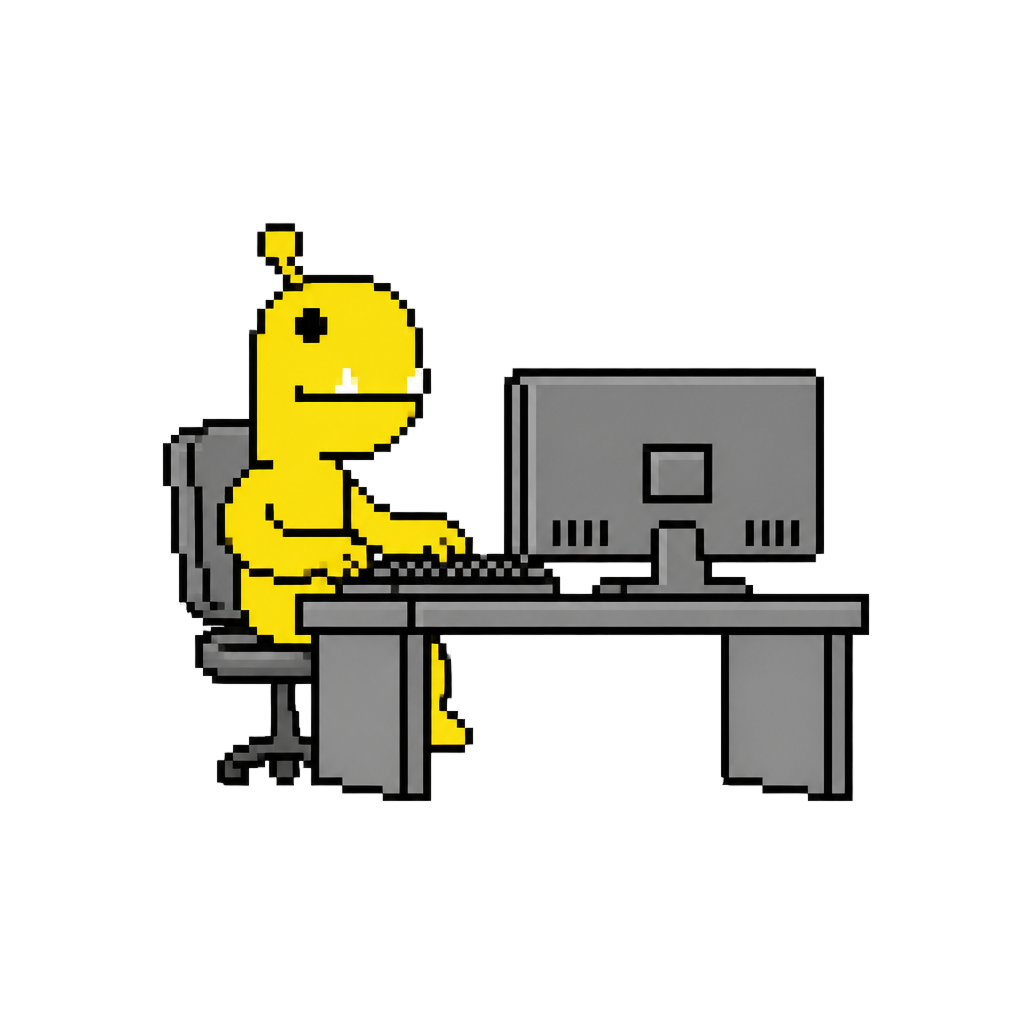
a computer
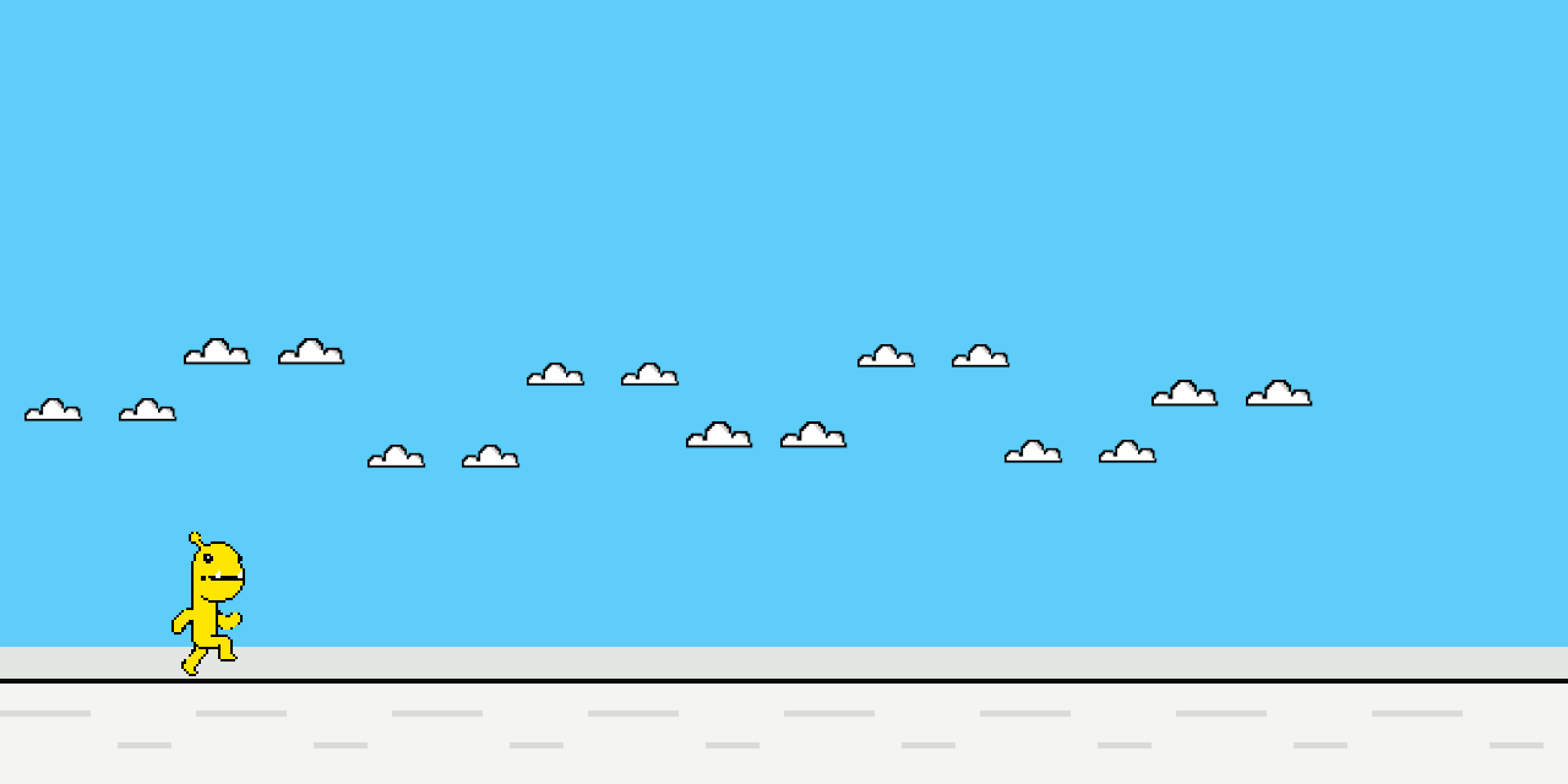
Purp runs, the Serves get in the way, and the space bar makes her jump.
Then wait for it. Every twenty seconds the gesture that makes her jump becomes a different gesture. Space becomes the up arrow. The up arrow becomes space three times in a row. You get three seconds of warning, and the game stops while you perform the new one.
You will need
A computer

Scan this to carry it to your phone.
Open it on a computer. This phone is the controller.
Jump ’n Run
You will need
A computer
Purp’s jump inputs in this version7
Presses
- SpaceOnce
- SpaceTwice
- Space3 times
Arrows
- ↑Up
- ↓Down
- ←Left
- →Right
- Press start. The game runs here in the page.
- The space bar makes Purp jump, until the control changes.
- For the whole window, use play full screen in the corner of the game.
Version 2 of 4Played
One device:
a phone
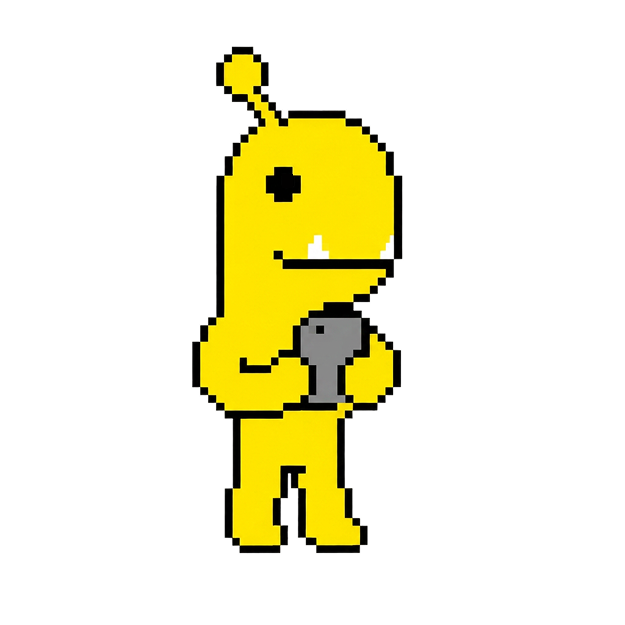
Try it with your smartphone. Same game, same output, a different shelf to reach for: a touchscreen gives you multi-taps, swipes, and two fingers at once, which a keyboard cannot do at all.
You will need
A smartphone

Scan this to carry it to your phone.
Open it on a computer. This phone is the controller.
Jump ’n Run
Purp’s jump inputs in this version8
Taps
- Tap
- Double tap
- Triple tap
- Two fingers
Swipes
- Swipe up
- Swipe down
- Swipe left
- Swipe right
- Scan the code with a phone, or open the address on one.
- Same game, same output. A touchscreen reaches eight of the fifty-five where a keyboard reaches seven.
- The one a keyboard cannot do at all is two fingers at once. Wait for it.
Version 3 of 4Played
Two devices:
a phone and a computer
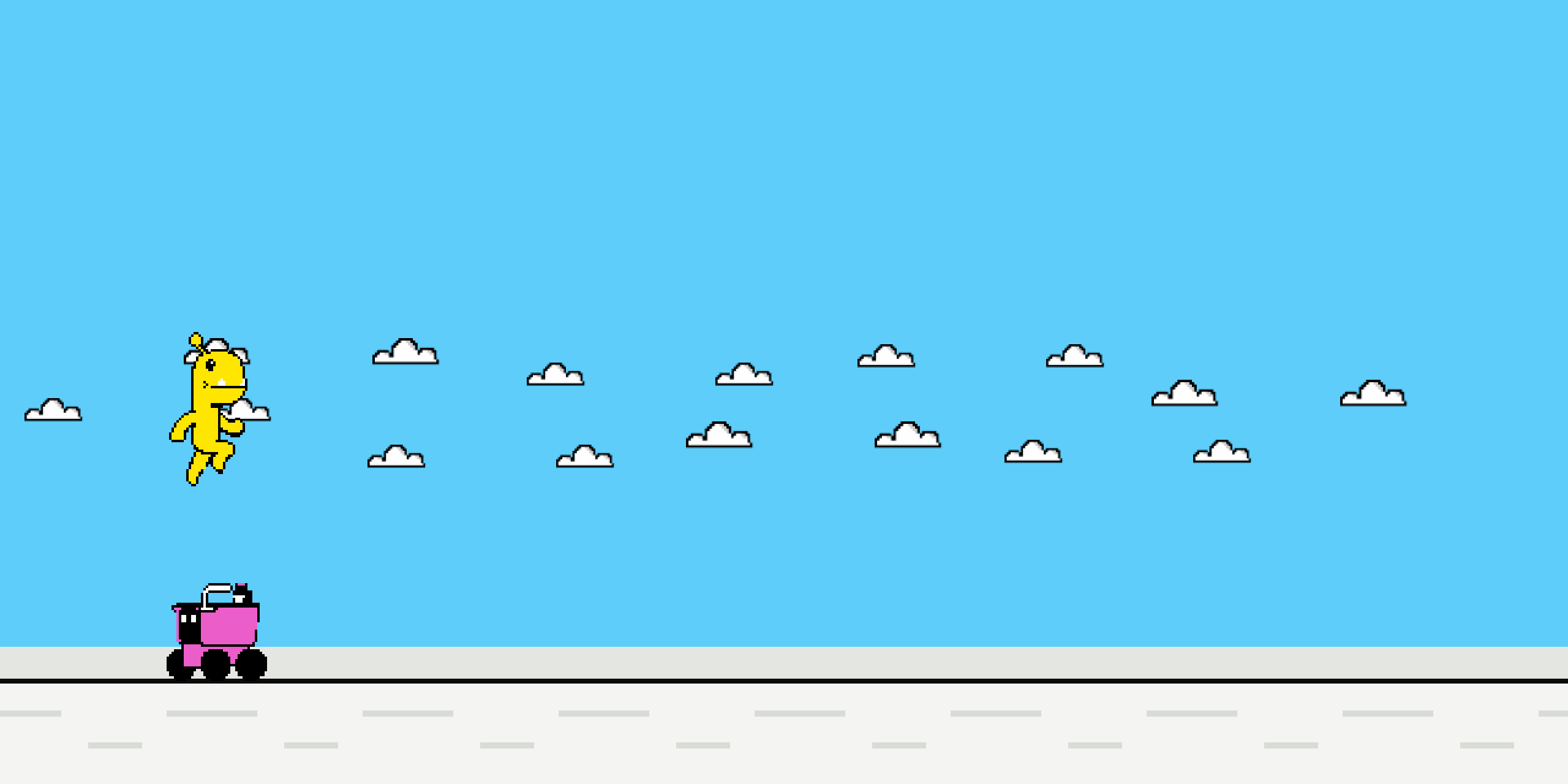
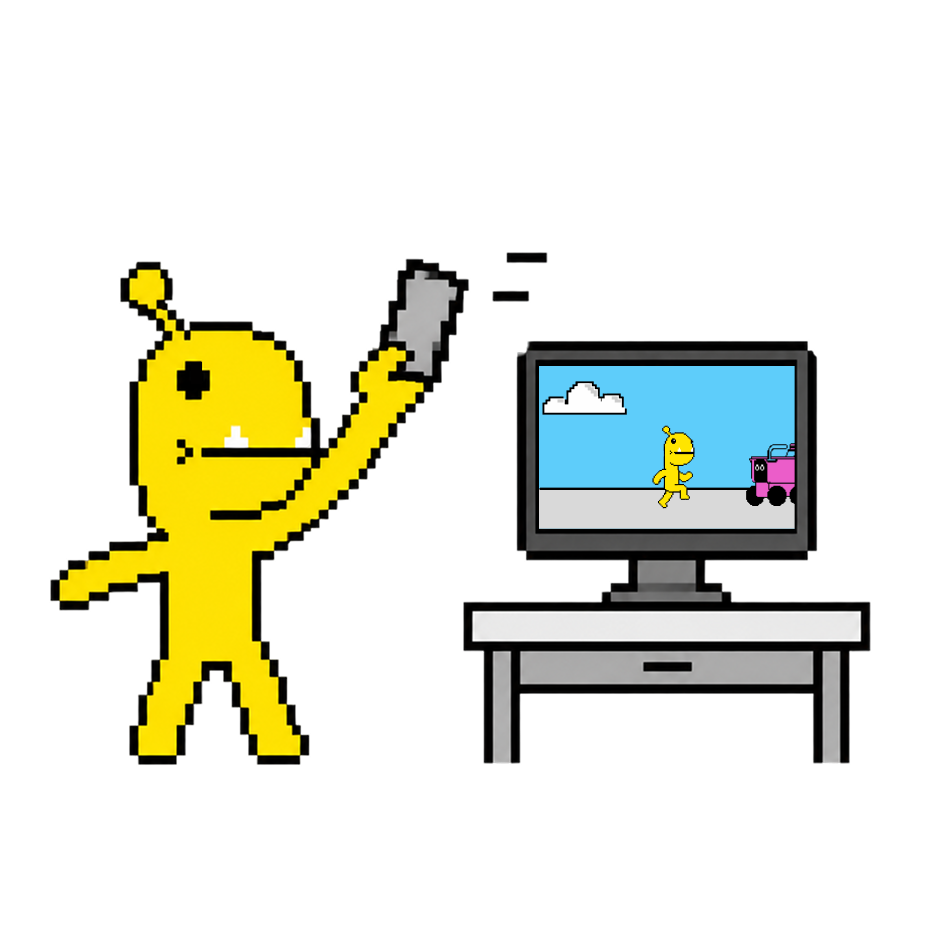
In this version we have new inputs, powered by different sensors: an accelerometer, which allows shake, and a gyroscope, which allows flip it over. Both use your arm rather than your finger.
It takes two devices. The phone becomes a controller for a game you see on your larger display.
You will need
+ A smartphone and a computer

Scan this to carry it to your phone.
Open it on a computer. This phone is the controller.
Jump ’n Run
Purp’s jump inputs in this version10
Taps
- Tap
- Double tap
- Triple tap
- Two fingers
Swipes
- Swipe up
- Swipe down
- Swipe left
- Swipe right
Arm
- Shake
- Flip it over
- Press start. The game opens in a new tab on this computer, with a four-character code already showing.
- Scan that code with your phone, or type it in.
- Allow motion when the phone asks. That is what turns shake and flip it over on.
Version 4 of 4Played
Two players:
two phones and one screen
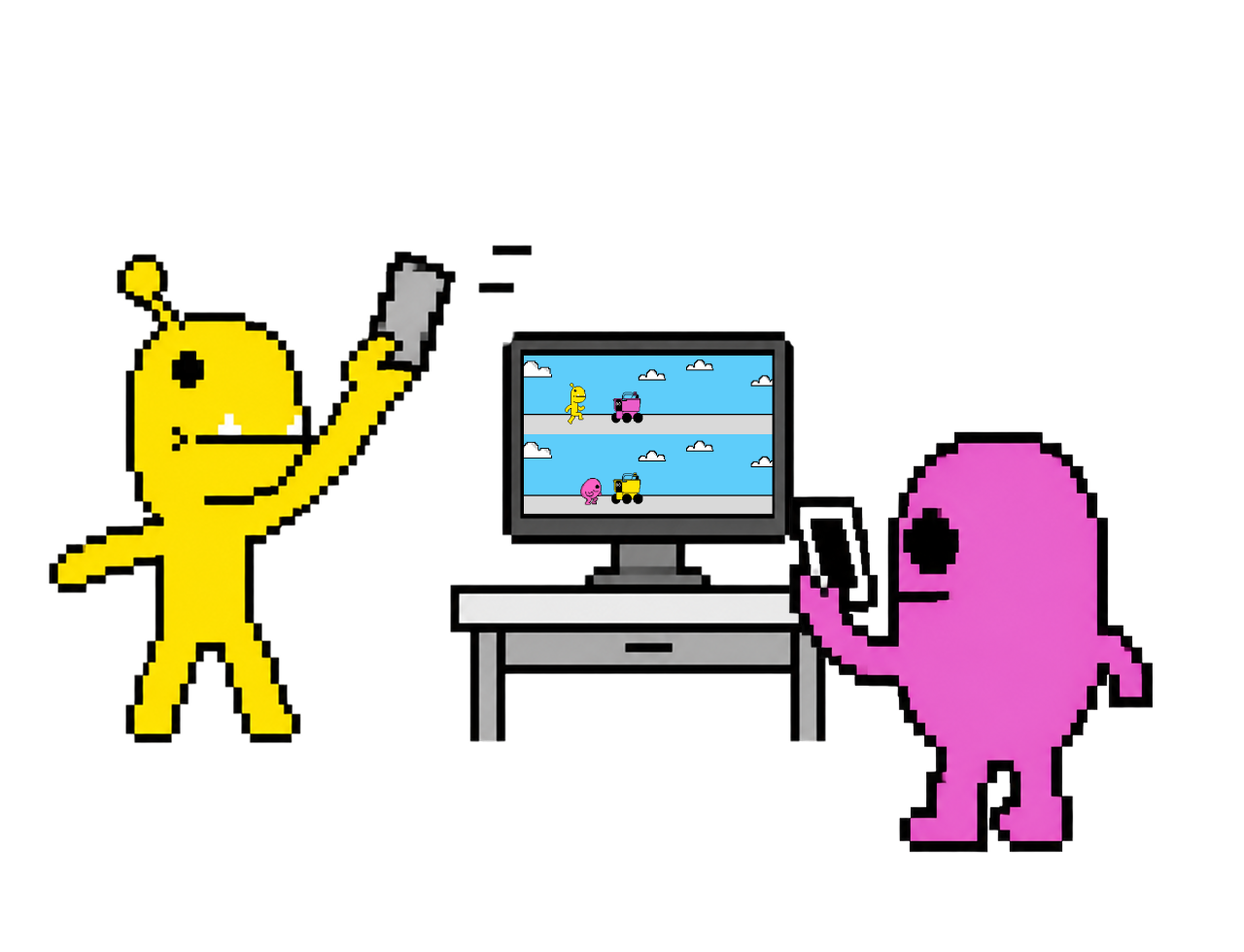
Everything so far has been you and a screen. The version we built it for has someone standing next to you.
Ask whoever is nearby to join a battle: they grab their phone and join. The screen splits, Purp above and Nudge below, and your controls change while you can see the other player still running.
You will need
+ A computer and two smartphones

Scan this to carry it to your phone.
Open it on a computer. This phone is the controller.
No second phone and no second person? This one keeps.
Jump ’n Run
Purp’s jump inputs in this version10
Taps
- Tap
- Double tap
- Triple tap
- Two fingers
Swipes
- Swipe up
- Swipe down
- Swipe left
- Swipe right
Arm
- Shake
- Flip it over
- Press start. The game opens with a code showing, ready for two.
- Both players scan the same code, each on their own phone.
- Press the duel button that appears once the second phone is in.
The flip
There is a second reason to prototype with a phone, and it is about the room rather than the spec.
Personal devices pull each of us down into our own glowing rectangle, alone together. So in the game we flipped that: we took the most private object you own and made it public, a controller for a screen everyone is watching. The thing that usually isolates you becomes the thing that gathers you.
That flip is what makes the choice of device meaningful. It is not a generic controller. It is your phone, the same object you normally disappear into.
Our discoveries
A keyboard, a touchscreen and a phone you shake are three different materials wired to the same output, so the game keeps a tally. Here is where everybody's runs have got to.
What everybody's runs add up to
Which control ends the most runs?
Runs, by what you played on
Typical run
How people got here
And the part a tally cannot reach. Fun and annoying are not measurements, and the gesture you would pick for a jump is not in any of the numbers above. Four questions, no wrong answers.
Pick one
Which version was the most fun?
Pick one
Which one annoyed you most?
Pick one
Which gesture feels most like “jump”?
If some gestures are a better fit for an output than others, this is where it shows. It is the whole question the game was built to ask.
In your words
What else would you want to jump with?
Anything a phone could notice. It does not have to be sensible.
Last one
Can you beat our high score?
It is on the board at the end of every run, and it is not as high as you would think.
Jump 'n Run is in beta. The game is playable. Results are still being gathered.
At SF Design Week we put an earlier version of this game on a wall. People who came through the studio played it, and some played for hours, getting competitive about their high scores.

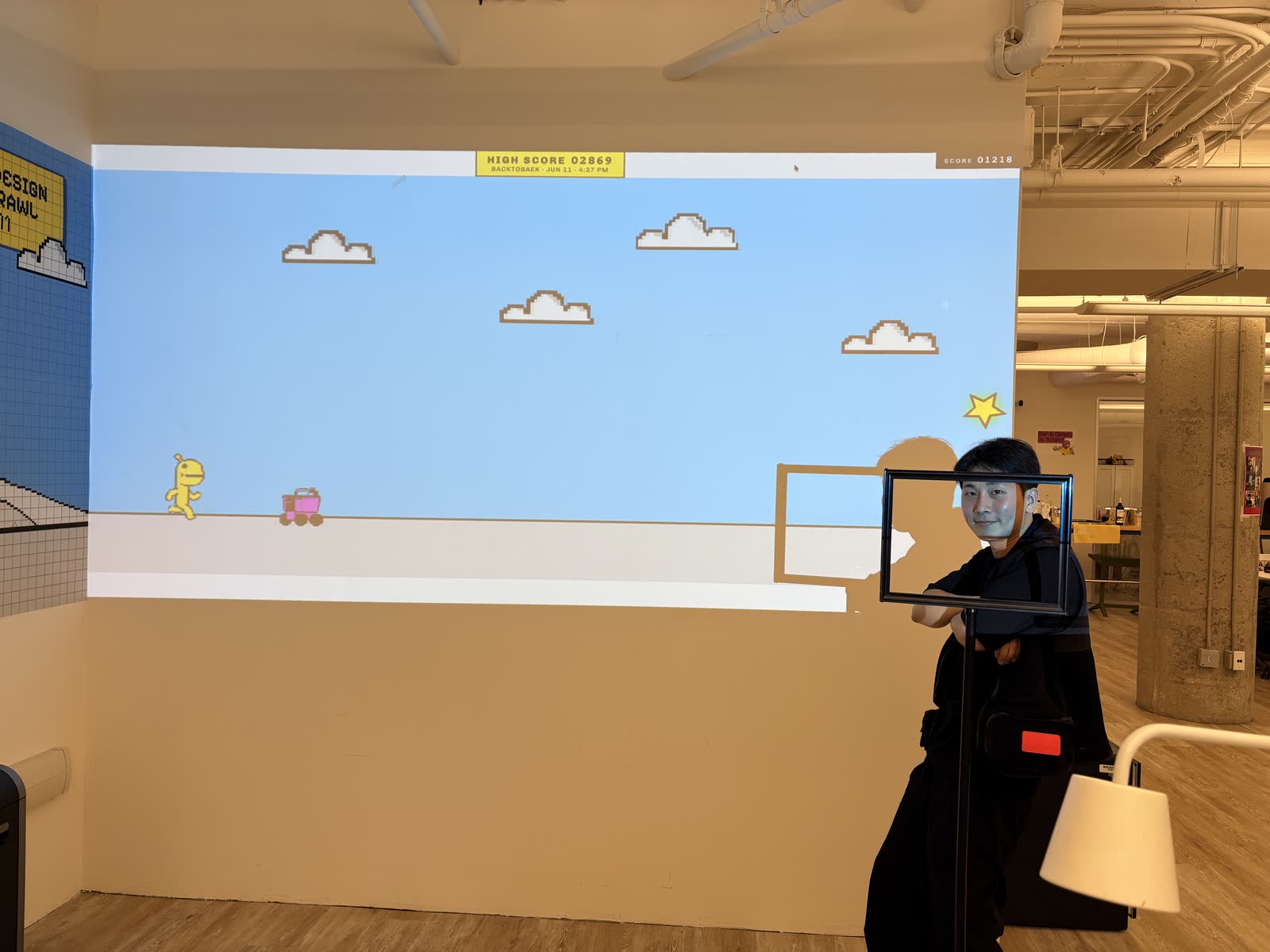
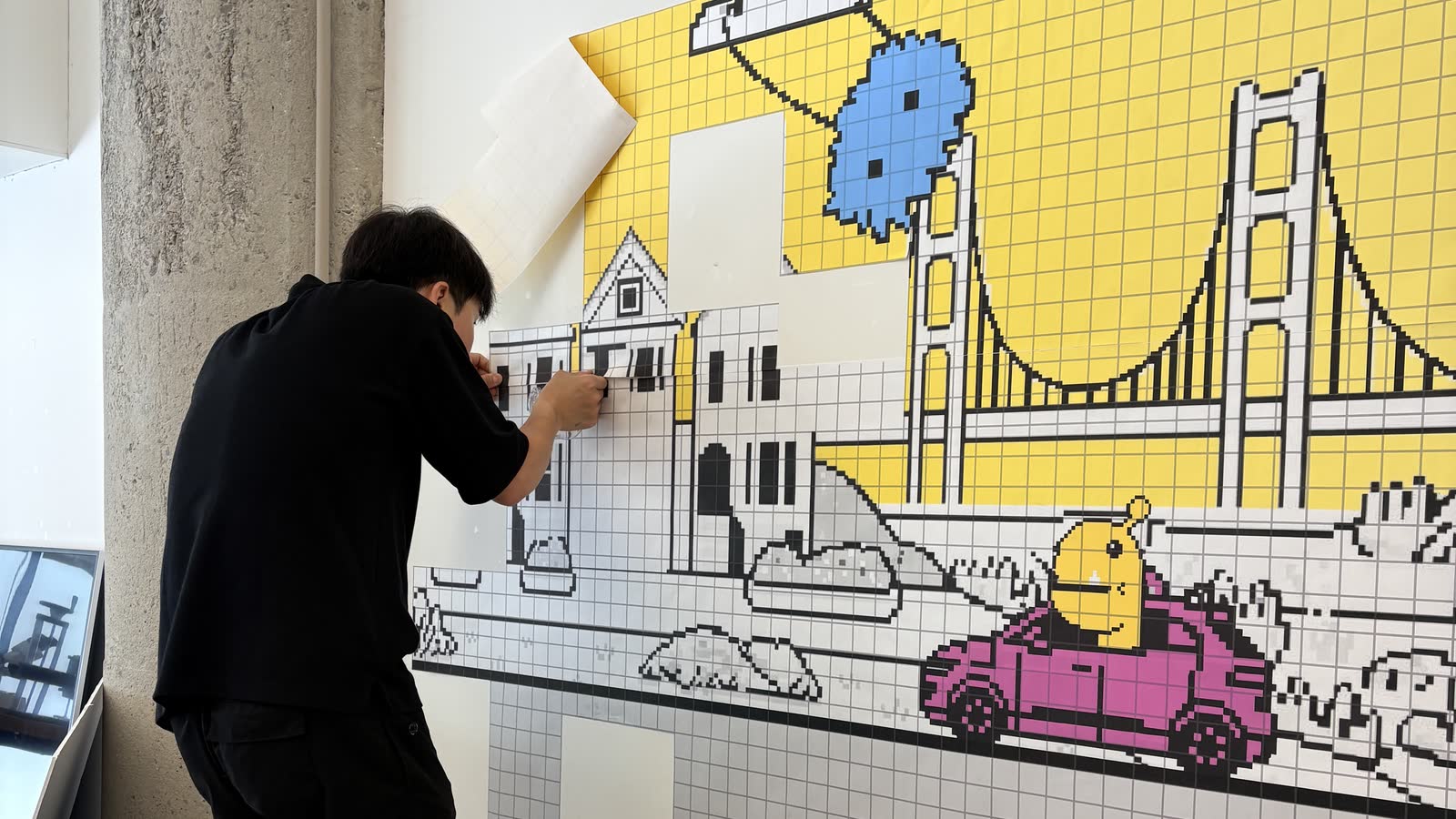
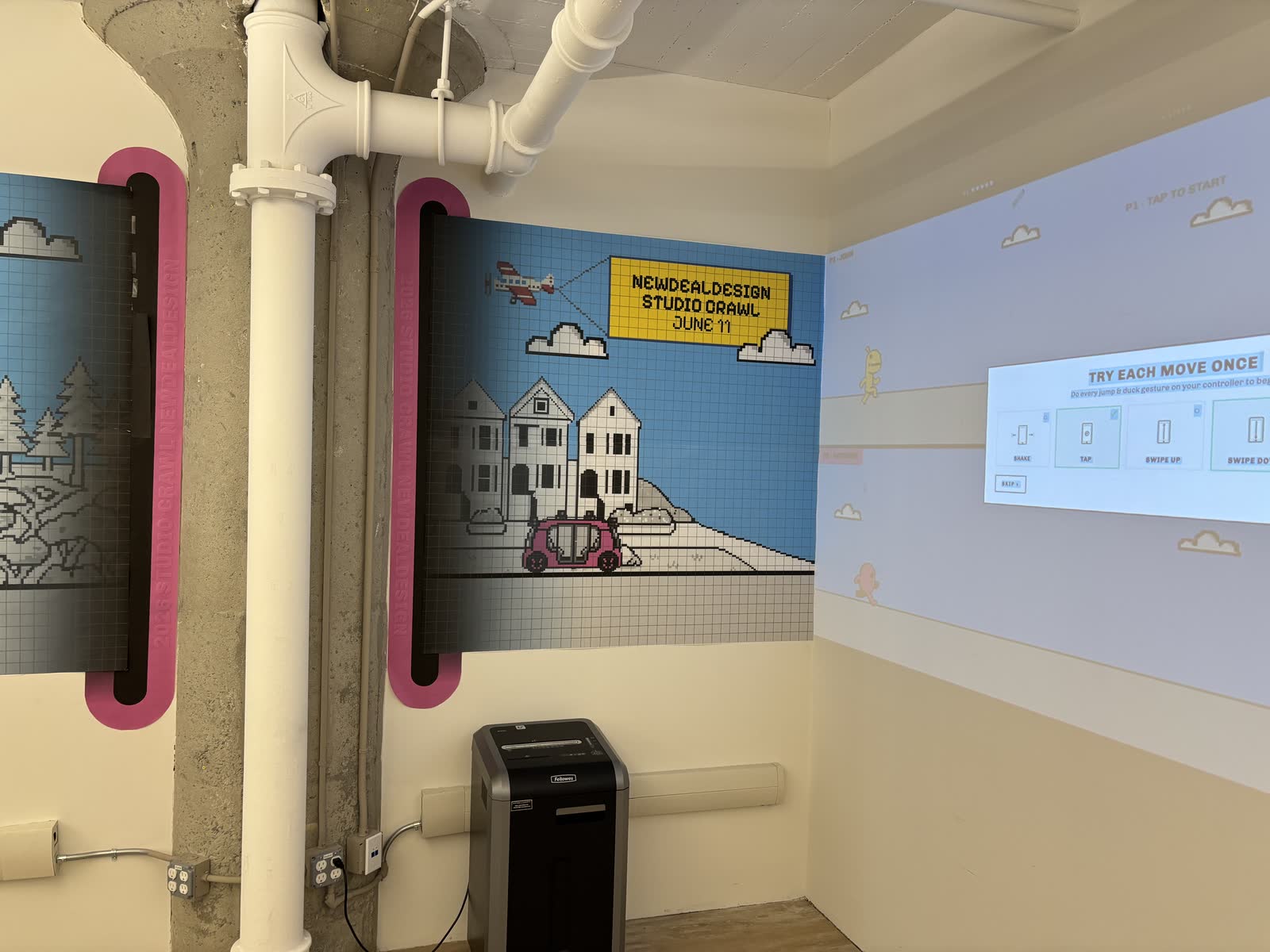
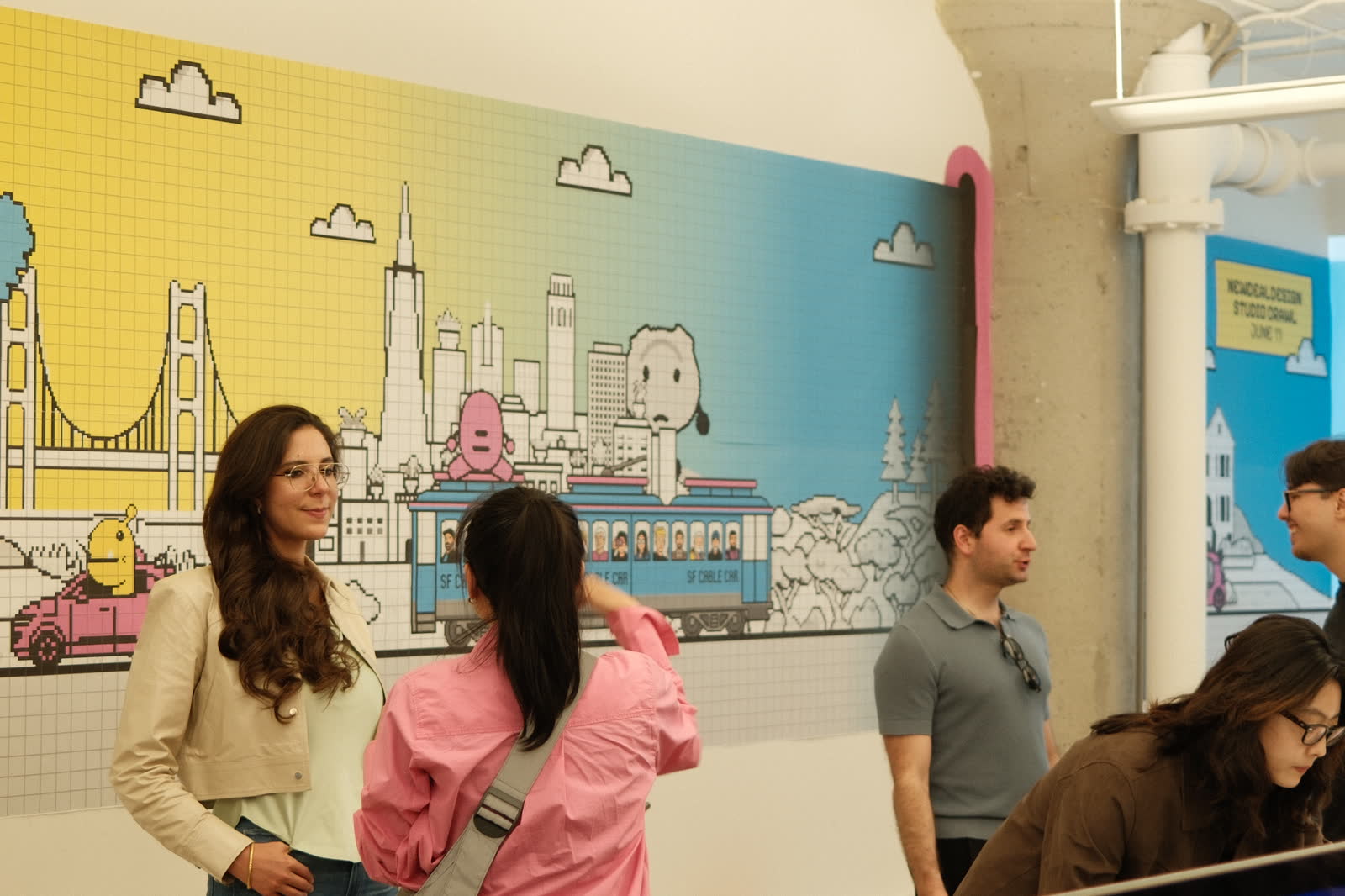
The game was a success: lots of smiles, laughs and healthy competition. And people did what we had hoped for. They looked up at the shared screen and across at each other, instead of down at their own phones.
We have since reformatted it to fit the internet and whatever device you are carrying, so that more people can have the fun we had in the room.